
What They Are and What They’re Like
Key Takeaways
- Instagram broadcast channels offer exclusive content and perks for followers.
- As a member, you can receive messages, participate in polls, and get behind-the-scenes updates.
- To join a broadcast channel, check your Instagram notifications and click on invites to join.
You may have noticed invites from accounts you follow on Instagram to join their broadcast channels. While you may be tempted to ignore these invites, broadcast channels offer some exclusive perks and engaging content to make Instagram more enjoyable.
Here’s what you need to know about the feature…
What Are Instagram Broadcast Channels?
Instagram introduced broadcast channels in February 2023 and slowly began rolling out the feature worldwide throughout the year. Creators now have the option to invite their followers to join their broadcast channel.
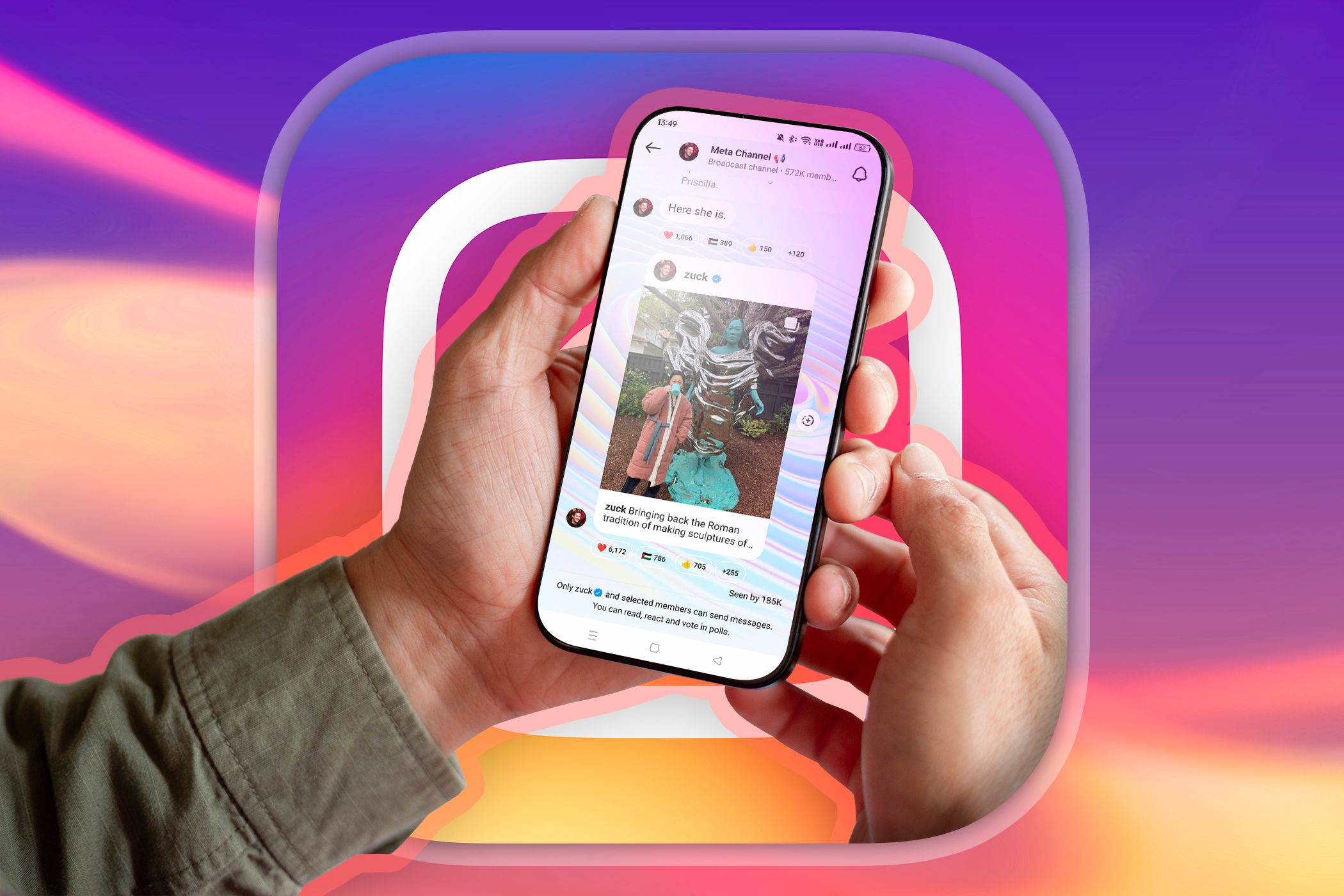
Broadcast channels allow you to have a more exclusive and personalized experience with your favorite creators, gaining access to a special feed exclusively for followers that is not on the creator’s main Instagram page. Think of a broadcast channel as a variation of Patreon-exclusive content—without the paywall.
What Can You Do in Instagram Broadcast Channels?

As a member of a broadcast channel, you can receive exclusive messages from your favorite creators. These messages can range from creators sending a feed post to increase engagement or revealing information about an upcoming collaboration or product launch.
You can also participate in polls and react to messages, but you cannot respond to the creator. For example, the SpongeBob SquarePants broadcast channel shared information about events at San Diego Comic Con.
How to Join Instagram Broadcast Channels
If you’d like to join a broadcast channel, go to your Instagram notifications by clicking the heart on the top right of the screen and click the broadcast channel invites. From here, you can see the accounts that sent you invites, the most popular broadcast channels, and the most active.
Click on the broadcast channel you’d like to join and press Join. Now you’ll receive notifications from the broadcast channel. You can also check if an account has a broadcast channel by visiting its page and looking for the option to join a community or channel at the bottom of their bio.


Are Broadcast Channels Worth Joining?
While broadcast channels do offer some fun interaction, I often see repetitive content that mirrors what accounts post on their feeds. Also, sometimes I have already seen the updates accounts send or find the updates uninteresting. For example, the Smiling Friends broadcast channel often sends posts it also posted on its public Instagram feed, rather than something I haven’t seen before.
Notifications that include repetitive information can be annoying at times, so I occasionally mute a channel I’m in (or even leave it). You can click the name of the broadcast channel at the top of the broadcast channel’s chat to mute notifications. Press the Bell and select Mute.
To leave the channel, press the three dots to the right and select Leave. Overall, I have not found broadcast channels to be overly helpful in finding exclusive information. I mainly see updates I’ve already seen on Reddit or other social media platforms, so I don’t plan on being an avid user of this feature.
Broadcast channels seek to create more engagement between creators and followers. But whether they’re worth joining depends on what the channel owner posts. If you’d like the chance at a behind the scenes look at some of your favorite accounts, join their broadcast channel.