
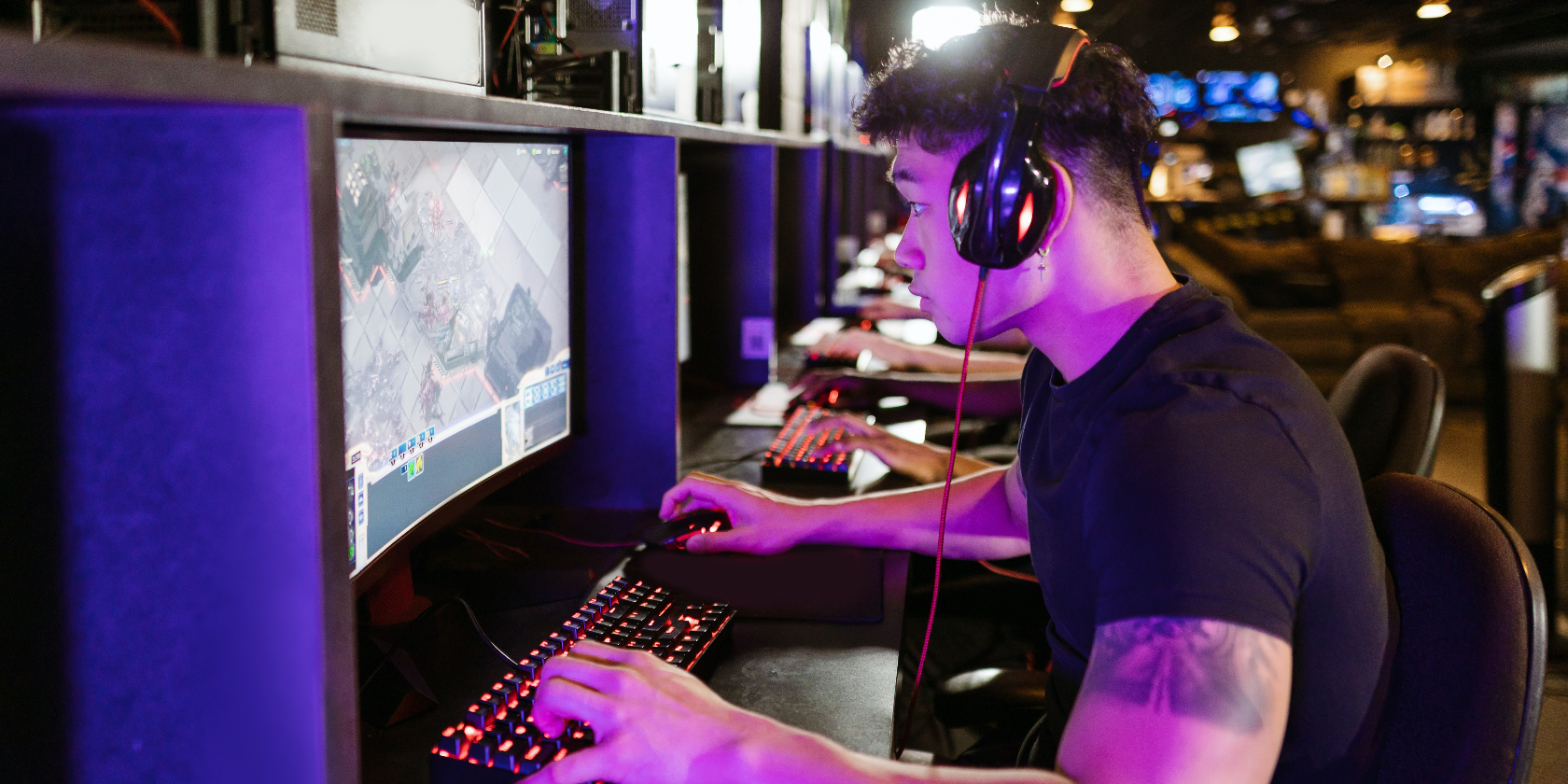
The Best 1440p Gaming Monitors for All Budgets
A 1440p monitor, otherwise known as a 2K monitor, is a great in-between option, particularly for gaming. It’s not as sharp as 4K, but a significant upgrade from 1080p. There are more pixels to count and a much higher pixel density. More importantly, there are a plethora of options when it comes to 1440p monitors, from top-of-the-line premium specs to entry-level budget displays.
Best 1440p Gaming Monitor Overall: Gigabyte M27Q
The GIGABYTE M27Q is an outstanding affordable 1440p gaming monitor, especially if you’re looking for wider viewing angles. Its IPS panel allows for a wider range of mobility regarding monitor placement, which pairs nicely with the stand’s height and tilt adjustment. However, that’s a minor positive compared to this display’s performance.
Its 1440p resolution looks beautiful and sharp with the addition of HDR400 and 92 percent DCI-P3 color gamut. On the competitive side, its more impressive specification is the 170Hz refresh rate, alongside AMD FreeSync, to keep screen tearing to a minimum.
Equally impressive is its 0.5ms MPRT response time, which helps reduce the overall effect of blurring. This is a happy middle ground if you’re a competitive gamer who doesn’t want to splash all their cash on a monitor.

Best 1440p Gaming Monitor Overall
GIGABYTE M27Q
$230 $300 Save $70
The GIGABYTE M27Q embodies all the right features for gaming. It uses an IPS display for better viewing angles, a super-fast response time, and a 170Hz refresh rate for smooth transitioning.
- FreeSync reduces screen tearing
- HDR400 with 92 percent DCI-P3 color gamut
- Fantastic viewing angles
- 0.5ms MPRT response time

If you want to shave a bit off the price, but still go home with an excellent 1440p gaming monitor, the MSI Optix MAG274QRF-QD is a great alternative. Not only is it performance-heavy, but it hosts all the necessary gaming features kitted inside an attractive, 27-inch monitor.
Starting with refresh rate, you’ll get native 165Hz. What makes it even better is the addition of G-Sync and FreeSync, allowing NVIDIA and AMD hardware to adjust the refresh rate as needed to keep your gaming experience buttery smooth. And that goes beautifully with its 1ms GTG response time.
On a side note, it’s very accommodating to gaming spaces. The stand can tilt, lower, raise, swivel, and pivot. It offers a thin bezel that will look great with any gaming setup.

Best Mid-Range 1440p Gaming Monitor
MSI Optix MAG274QRF-QD
$357 $376 Save $19
The MSI Optix MAG274QRF-QD is a wonderful mid-tier 1440p gaming monitor. It boasts a 165Hz refresh rate, G-Sync, FreeSync, and 1ms response time.
- IPS panel provides very wide viewing angles
- Smoother frame transition with VRR
- Fast response time is perfect for competitive gaming
- FreeSync & G-Sync compatible
- Subpar contrast ratio
- Needs colors calibrated
Best Budget 1440p Gaming Monitor: Acer V277U

For gamers looking to enter 1440p gaming as quickly as possible, the Acer V277U is a great option. Not only is the price tag easy on the wallet but it’s also packed with the bare minimum features needed to enjoy a 1440p resolution. At 27 inches, the Acer V277U is right at the sweet spot to display a 1440p resolution without stretching the pixels past their limit.
Additionally, its stand has a small footprint and won’t take up too much space on your desk, though it only tilts up and down. Thankfully, it can be wall-mounted via VESA mounting.
With Adaptive Sync to keep it smooth, you’ll get a slightly above-average refresh rate of 75Hz. Accompanying that is a 4ms response time and a solid picture quality to display the latest games. Together those make for a good experience for casual gamers.

Best Budget 1440p Gaming Monitor
Acer V277U
$357 $376 Save $19
The Acer V277U is a 1440p monitor that can run a refresh rate as high as 75Hz, with Adaptive Sync for smooth transitioning. It also has a solid response time of 4ms.
- Above-average refresh rate
- Adaptive Sync helps reduce screen tearing
- 4ms response time
- DisplayPort and HDMI ports
Best Ultrawide 1440p Gaming Monitor: Alienware AW3423DW

After you’ve bought better hardware and increased the size of the screen and the resolution, how else are you supposed to improve your gaming experience? You focus on color, and the Alienware AW3423DW has no shortage of color.
If you’re a color snob, the Alienware AW3423DW’s quantum dot display will impress. You’re bringing rich, cinematic colors to your games, along with a contrast ratio that looks truly black without sucking detail out or causing vibrant colors to bloom.
The Alienware AW3423DW takes up a lot of desk real estate, though you can adjust height, tilt, and swivel. That’s great and all, but something like this should be mounted. Thankfully, the monitor supports VESA wall mounts—in fact, it’s packaged with one, taking out all the guesswork on finding the right mount.

Best Ultrawide 1440p Gaming Monitor
Alienware AW3423DW
$980 $1100 Save $120
The Alienware AW3423DW is a feast for the eyes thanks to its QD-OLED display. The contrast and colors make content pop, and the refresh rate and response time are fantastic.
- 3440×1440 QD-OLED display
- Superb color saturation and contrast ratio
- 175Hz refresh rate
- 0.1ms response time

Curved monitors can enhance your gaming experience but tend to come with a price hike that doesn’t quite justify the purchase. The Pixio PXC277 Advanced Curved Monitor sets things right, and it comes with a suite of gaming features, too!
First, the Pixio PXC277’s screen measures 27 inches, a great sweet spot for a 1440p resolution, since it doesn’t stretch the pixels past their limit. If that’s not quite big enough, there’s a 32-inch option that still retains the sharpness of its resolution and curvature.
It’s not all curves and resolution, though. The Pixio PXC277 Advanced Monitor boasts adaptive sync that works for both AMD and GPU graphics cards to ensure your framerate stays buttery smooth while you’re gaming.
The Pixio PXC277 Advanced Monitor is a shortcut to a large, curved display with 1440p resolution.

Best Curved 1440p Gaming Monitor
Pixio PXC277 Advanced
$240 $300 Save $60
The Pixio PXC277 Advanced Monitor is perfectly sized, curved, and supports adaptive sync for stable frame transitioning. You’re going to need it given that it also features a 165Hz refresh rate.
- Supports adaptive sync
- Several size options and resolutions
- 165Hz refresh rate
- Good color gamut
FAQ
Q: Is 1440p resolution actually 2K resolution?
1440p (or Quad HD) resolution is approximately 2560 x 1440 pixels. Although sometimes referred to as 2K, they are more accurately described as 2.5K resolutions.
Q: How much better is a 1440p monitor than a 1080p monitor?
A 1440p monitor has 2560 x 1440 pixels, whereas a 1080p monitor has 1920 x 1080, giving them 3,686,400 and 2,073,600 pixels, respectively. This means that a 1440p monitor has an extra 1,612,800 pixels compared to a 1080p one, allowing it to show a much greater level of detail and refinement.
Q: Should I consider a 4K monitor?
A 4K monitor is definitely worth considering for things such as video editing, due to the level of sharpness and definition that it gives images. It allows you to experience stunning visuals on much larger displays, and much cleaner, sharper images when viewing them close up. However, for day-to-day use or casual gaming, a 4K monitor may be over-specced for your purposes.
Q: Can an ultrawide 1440p monitor replace two monitors?
In theory, an ultrawide monitor can effectively replace two monitors, assuming that it’s large enough to do so. However, the term ultrawide refers to the aspect ratio of the monitor, rather than the actual size of the monitor itself.