
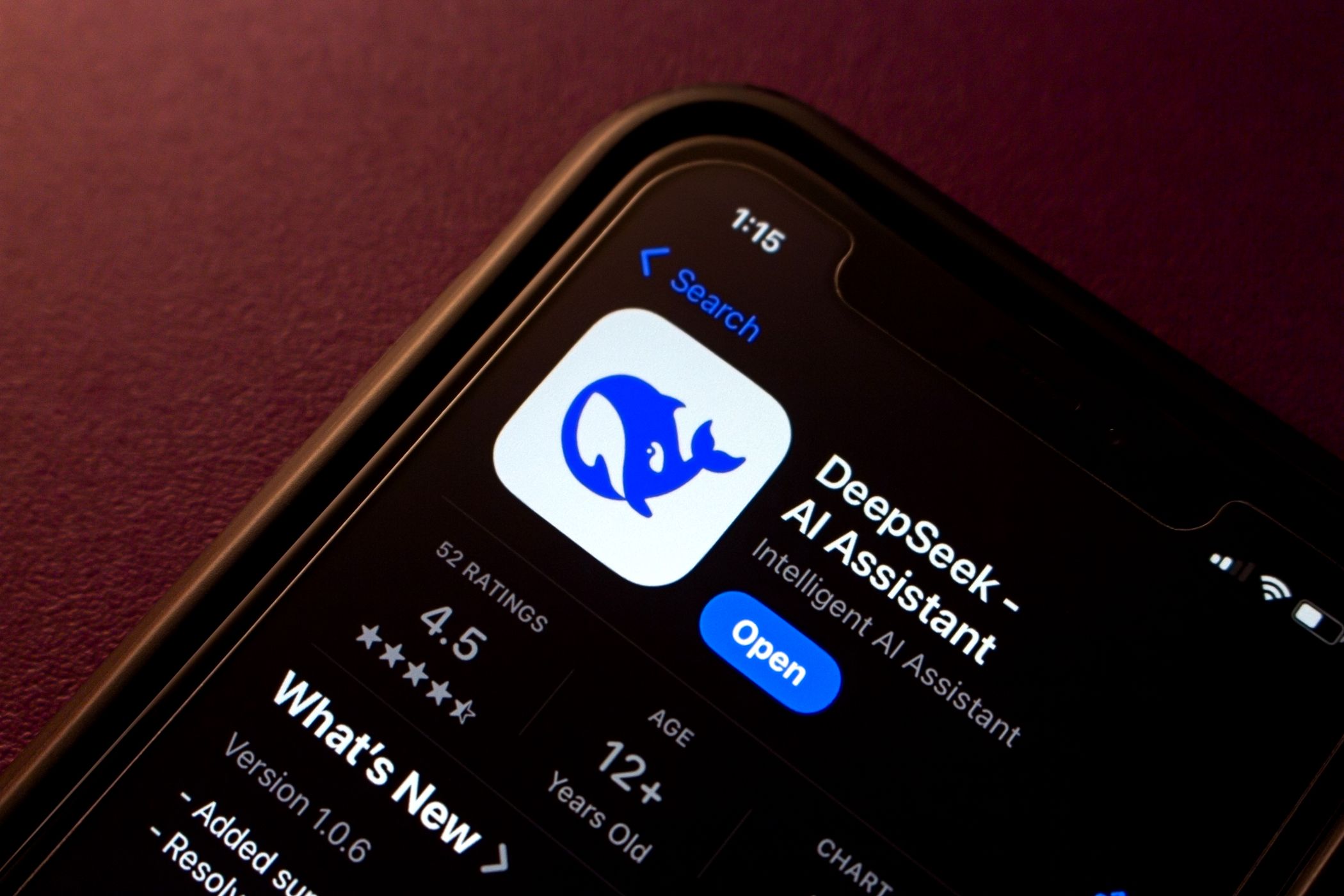
These Fake DeepSeek Adverts Are Pushing Dangerous Malware
A series of scam DeepSeek adverts on Google are delivering dangerous infostealer malware to unsuspecting DeepSeek users—but there are a few tell-tale signs that’ll help you stay safe.
Watch Out For These Fake DeepSeek Adverts
Malwarebytes researchers first spotted the fake DeepSeek adverts in late March 2025.
These malicious DeepSeek adverts take anyone seeking the Chinese-developed AI chatbot to a fake website designed to look like the real deal. If you click the download link on the fake website, it downloads the Heracles MSIL Trojan, an infostealer designed to target user data, private information, and particularly cryptocurrency wallets.
According to the Malwarebytes blog, the actual fake adverts aren’t particularly convincing. From the example below, you can see the difference between a regular DeepSeek Google advert and the fake version:
However, if you land on the fake DeepSeek link, the phishing page is much more convincing:
It has some key differences from the real DeepSeek website (pictured above), but it’s a convincing replica that could catch you out.
How to Avoid Fake DeepSeek Adverts in Google Search
Unfortunately, fake Google adverts are a major problem affecting many tech companies. In February 2025, Malwarebytes researchers discovered a campaign targeting Microsoft, attempting to trick people into downloading malware.
This time around, the AI chatbot DeepSeek is the lure. Since its early 2025 launch, DeepSeek has become one of the most popular AI chatbots, with many folks preferring DeepSeek to ChatGPT. Its popularity is why we’re now seeing fake DeepSeek adverts used to deliver infostealer malware.
Thankfully, it’s relatively simple to avoid the fake DeepSeek adverts on Google.
- First up, avoid sponsored posts on Google. In specific reference to this threat, avoid DeepSeek sponsored adverts. But in general, it’s best to skip them, as this is one way scammers trick people into clicking malicious links.
- Always double-check the URL of the site you land on. The official website URL is deepseek.com—there is no other link.
- There is no official DeepSeek desktop application (at least, not at the time of writing). You can install DeepSeek on your PC or laptop. However, it’s not a true “desktop application” in the sense that you download and install it directly from DeepSeek.
- The fake DeepSeek website pushes you toward a big Download button, which, again, doesn’t exist on the real DeepSeek site.
In short, if you’re unsure whether you’re on the right website, double-check the URL, and if anything seems untoward, just close the page.